Security Cameras
See who is in the driveway before you get up.
Cameras over the gate, the doors, the shop and the barn, on a network that reaches them. Live and recorded video in the Alarm.com app.
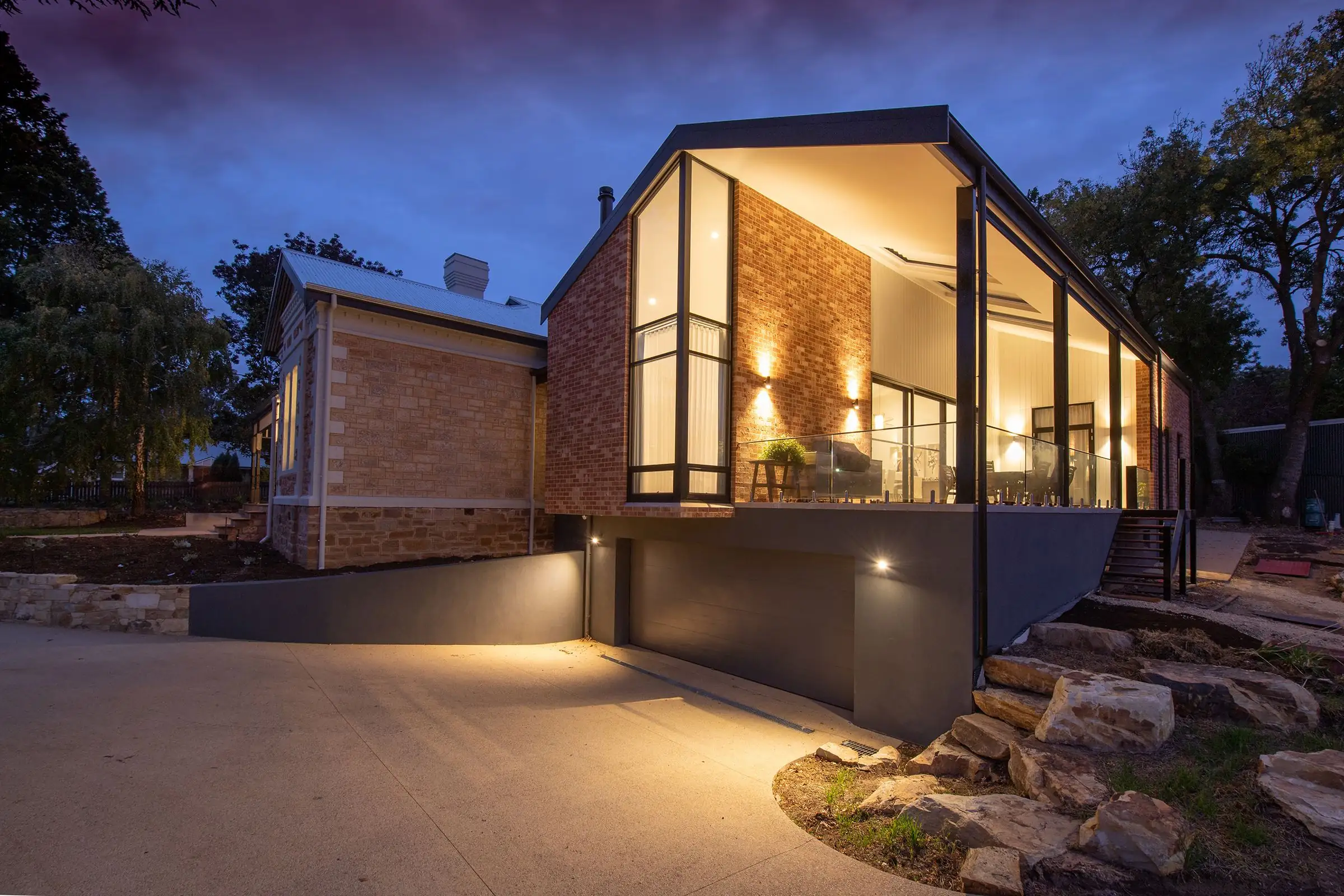
Stock photograph, not one of our installations.
Start with the question
What do you want to be able to see?
Most camera jobs go wrong at the start, when somebody buys a box of four and then looks for places to put them. We begin at the other end.
Was that a truck in the driveway at two in the morning? Did the package come? Is the shop door shut? Who is at the gate? Each of those is a different camera in a different place, and some of them are not a camera problem at all. A gate you cannot see from the house is first a question of getting power and a signal out to it.
So we walk the property with you, figure out which views are worth having, and then choose the cameras. The answer is often fewer cameras, better placed.
- Where you watch
- The Alarm.com app, beside your alarm and locks
- Usual places
- Gate, driveway, front and back doors, shop, barn
- Alerts
- People, vehicles and animals told apart, on eligible plans
- Recording
- Clips, or a recorder at the house. We go over both with you. Client to confirm: recording options sold
- Installed by
- Security Solutions, Inc., Brighton, Tennessee
- Licensed
- TN Alarm Cert. #1140
MS Lic. #15006256
AR Lic. #CMPY0001804
A camera does not stop anybody and it does not call anyone. It shows you what happened, and with the right alerts it shows you while it is happening. If you want a siren and a monitoring center, that is an alarm.
Where cameras go
Six places people ask us to watch.
A house, a shop and a barn on a few acres, seen from above. Press a number to see what that camera covers and what it takes to put one there.The numbers on the drawing match the list beside it.
- The gate
Who turned in off the road. It is usually the first alert you get, and the most useful one.
Needs power and a network path at the end of the driveway. We plan both.
- The driveway
People and vehicles between the road and the garage, and whatever is parked there overnight.
Mounted high on the garage, wired back to the house.
- The front door
A video doorbell: faces, packages, and a way to answer the door from wherever you are.
Uses the doorbell wiring or a power feed at the door.
- The back door
The side of the house nobody drives past. The patio, the back steps and the yard beyond.
Easy to forget, because you never see that side from the road.
- The shop
Tools, the mower and the side-by-side. Covers the door and the way up to it.
A cable in the ground or a wireless link from the house.
- The barn
Stock, feed and equipment a long way from the kitchen window.
Farthest from the router, so the link is planned first.
The equipment
Four kinds of camera gear, and what each is for.
| Type | Where it goes | Best at | Worth knowing |
|---|---|---|---|
| Video doorbell | Beside the front door, in place of the bell | Faces at the door, packages, and talking to a visitor from your phone | It needs steady Wi-Fi at the door. We check that before we install one |
| Outdoor camera | Eaves, the garage, shop and barn walls | Driveways, yards and outbuildings, after dark as well as by day | Works best wired back to the house wherever a cable can be run |
| Indoor camera | A shelf or a corner inside the house | The dog, the back hall, the kids getting in from school | You decide when it records. It can stay off while you are home |
| Recorder | A closet or the equipment rack | Keeping footage from several cameras at the house itself | It records clips or around the clock. We go over both with you |
Ask us which cameras we are installing now, and why we chose them. Client to confirm: camera brands installed
Alerts worth getting
A camera that cries wolf gets muted.
If your phone buzzes every time a branch moves, you stop looking within a week. Then the one alert that mattered goes by with the rest.
Video analytics tell a person from a vehicle from an animal. You choose which of those is worth a message, in which part of the picture, and at what hours. A truck in the driveway after midnight, yes. The neighbor's cat, no.
Video analytics are available on eligible Alarm.com plans and cameras. We will confirm what yours includes. Client to confirm: features sold
- Motion, drivewayHeadlights on the road
- Motion, back doorThe dog
- Motion, drivewayA branch in the wind
- Motion, drivewayA delivery van
- Motion, shopA shadow
- Motion, back doorThe dog again
- Motion, drivewayA cat
- Vehicle in the drivewayClip saved
- Person at the front doorClip saved
Everything else is still there to look back through. It just does not ring your phone.
An illustration of the idea, not a log from a real system.
Shops, barns and long driveways
The hard part is rarely the camera.
Out in the county, what you most want to see is usually a long way from the router. Getting power and a signal to it is most of the job.
- A cable where one can be run. A camera on a wire is the dependable kind. On a new build we run it before the drywall, as part of the structured wiring.
- A wireless link where one cannot. A point-to-point link carries the network from the house to the shop or the gate without a trench. That is part of our networking and Wi-Fi work.
- Power at the far end. Every camera needs it. We look at what is already out there before we promise a view of the gate.
Privacy
Your cameras, your footage.
- We aim cameras at your own property: your doors, your driveway, your buildings.
- Indoor cameras are your call, room by room. You can have none at all.
- You decide who in the household has a login and what each person can see.
- We walk you through the app before we leave, including how to turn a camera off.
Client to confirm: who at the company can view customer video, and for how long clips are kept
Google reviews from camera customers
From customers with our cameras on the house.
Mike and his team are awesome! We chose them as a local company over the big box companies and have never looked back! We are comfortable leaving knowing we are protected and have 24/7 access to our cameras and alarm system. Highly recommended!
You're employee Austin did a great job installing cameras! He was very polite and professional,and showed us everything we needed to know on how to work them from our phones. Definitely recommend these guys for the job! Thanks again for great service!
Austin and Ozzy did amazing work for my family! Very polite and courteous as well! I couldn’t be happier with the drops, APs, and cameras that I had installed!
Can I watch the cameras from my phone?
Yes. Live and recorded video open in the Alarm.com app, next to your alarm and your locks. One login, one place to look.
Do cameras replace an alarm?
No. A camera shows you what is happening. It does not sound a siren and nobody at a monitoring center is watching it for you. An alarm does those things. The two work well together, because the camera lets you see what set the alarm off.
Will the cameras work if the internet goes down?
Not fully. You need internet at the house to see live video on your phone. A recorder at the house can keep recording while the connection is out, and the alarm itself reports over its own cellular connection either way.
Do the cameras record all the time?
It depends on the setup. Some cameras save a clip when something happens. A recorder keeps footage around the clock. We go over both with you and set up the one that suits your property.
The shop has no internet. Can it still have a camera?
Usually. We either run a cable out to it or set up a wireless link from the house, then put the camera on that. It is the same work we do for Wi-Fi in outbuildings, so one visit can cover both.
Can you use the cameras I already have?
Sometimes. It depends on the brand and how they are wired. Tell us both when you call and we will give you a straight answer. Client to confirm: whether existing cameras are taken over
Goes well with
Cameras are better with something behind them.
Security & Monitoring
A siren and a monitoring center, for when watching is not enough.
Security & MonitoringAccess Control
See who is at the door, then let them in from the same app.
Access ControlNetworking & Wi-Fi
The network that carries the picture out to the shop and back.
Networking & Wi-FiStructured Wiring
Camera cables run while the walls are open, before the drywall.
Structured WiringWe install across West Tennessee, North Mississippi and East Arkansas, including Covington, Atoka, Munford, Ripley, Millington, Arlington, Dyersburg, Olive Branch, Marion. By state: Tennessee, Mississippi, Arkansas. See every town we serve or all 14 services.
Worth reading first: Security cameras at night. All guides
Free quote
Tell us what you want to keep an eye on.
Leave a few details and we’ll call you back to set up a free visit. Or skip the form and call the office.
901-476-6918Security Solutions, Inc.
139 N Main St, Brighton, TN 38011
Toll-free 1-888-280-8775